
Have you heard about PTZ Cameras? Are you ready to take your live streaming to the next level? Whether you’re running a church service, event, podcast, or online class—multi-camera PTZ setups are one of the best ways to create a professional-looking stream without needing a full crew.
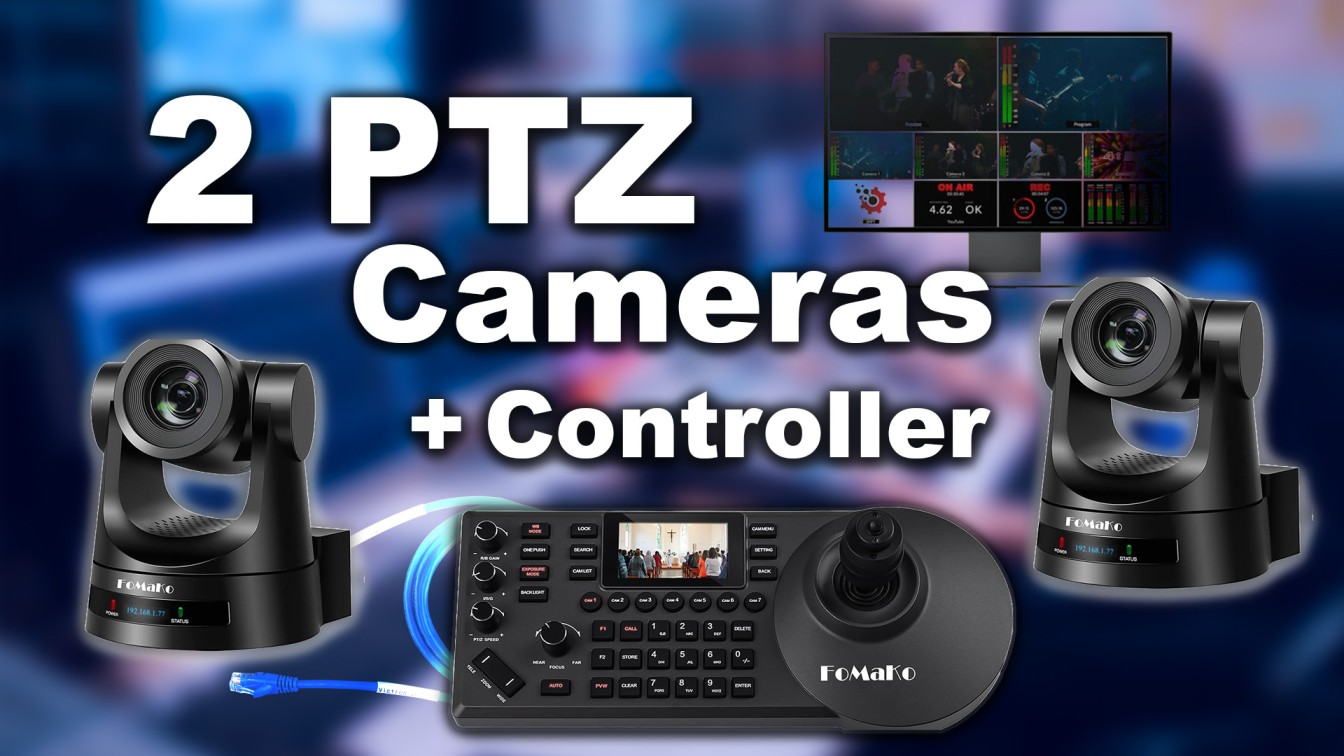
In this tutorial, we’ll show you step-by-step how to set up two FOMAKO PTZ cameras and control them via a PTZ controller over a network. Plus, we’ll guide you through how to bring the video into OBS (or vMix) and go live on Facebook and YouTube.
To better understand the video about PTZ Cameras, you will learn :
- Learn how to connect PTZ cameras and a controller over your local network
- Assign a unique static IP address to each connected device
- Use a PTZ controller to create and trigger camera presets
- Integrate your camera video feed into OBS or vMix
- Stream live simultaneously to Facebook and YouTube
🛠️ What You Need:
Here’s the gear we used in this video. Thus, You can get it through our affiliate links below:
- 📸 FOMAKO PTZ Camera
👉 Buy on Amazon - 🎮 PTZ Controller
👉 Buy on Amazon - 🧠 Network Switch (PoE optional)
👉 Buy on Amazon - 🎛️ Capture Card or Streaming Computer
👉 Buy on Amazon - 💡 Optional: Lighting Kit & Audio Equipment
👉 lights
📺 Watch the Full Setup Tutorial
👉 Click here to watch the video tutorial
This tutorial shows you everything from unboxing to going live. We kept it beginner-friendly, so even if this is your first time working with PTZ cameras, you’ll be good to go.
💬 Need Help?
If you’re stuck at any point or want help choosing the right gear for your setup, we’re here for you.
📩 Contact us for support or 1-on-1 training
📅 Or Book a consultation and we’ll walk you through everything live.