
Are you looking to elevate your broadcast from a “hobbyist stream” to a professional production? If you’ve spent any time in the live streaming world, you’ve likely heard the debate: vMix vs. OBS.
While free tools have their place, the vMix live production software suite has become the industry gold standard for churches, sports broadcasters, and corporate events. In this guide, we’ll explore why vMix is the ultimate tool for high-end workflows and how it handles complex tasks like NDI and PTZ control.
1. What Makes vMix the Best Live Production Software?
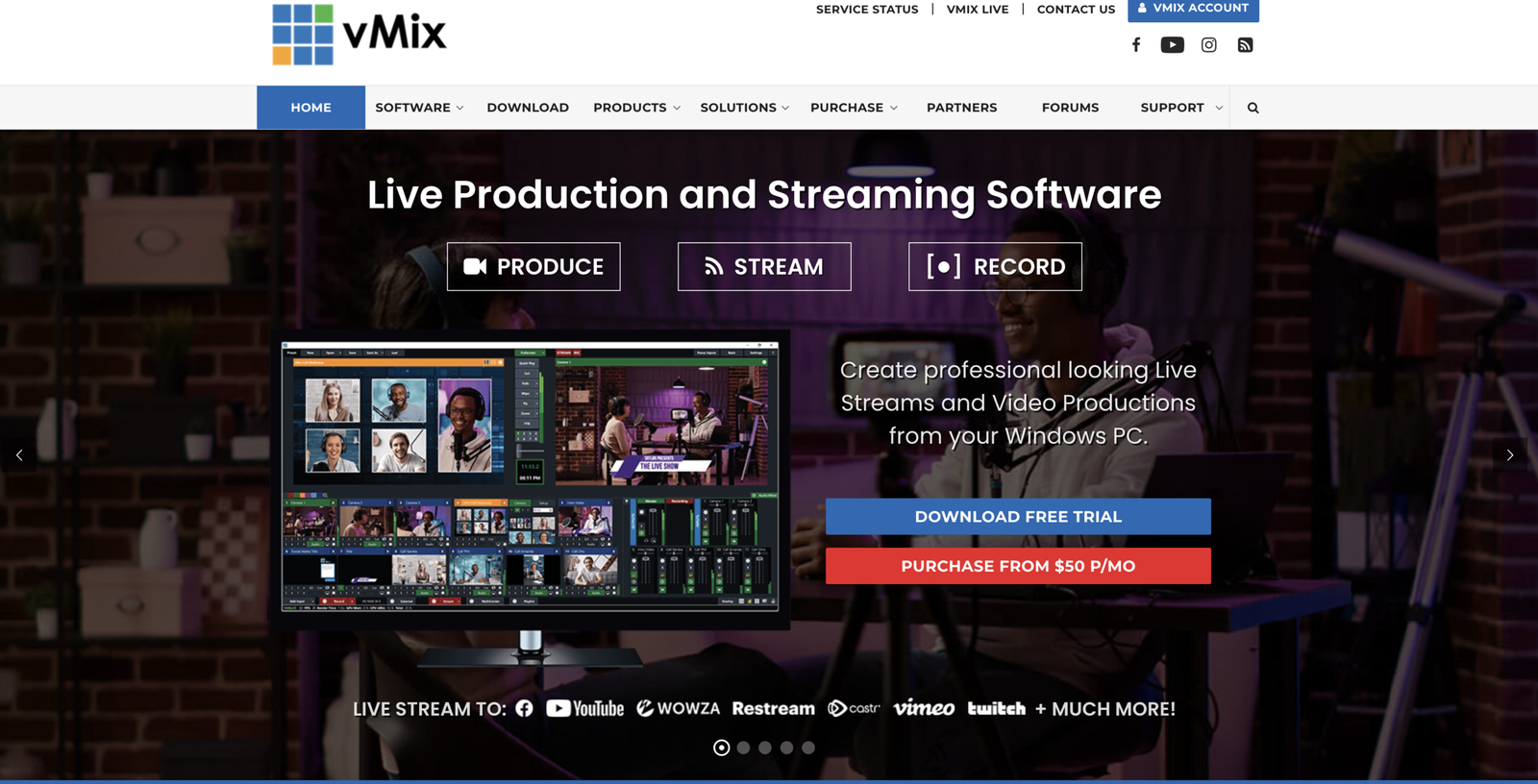
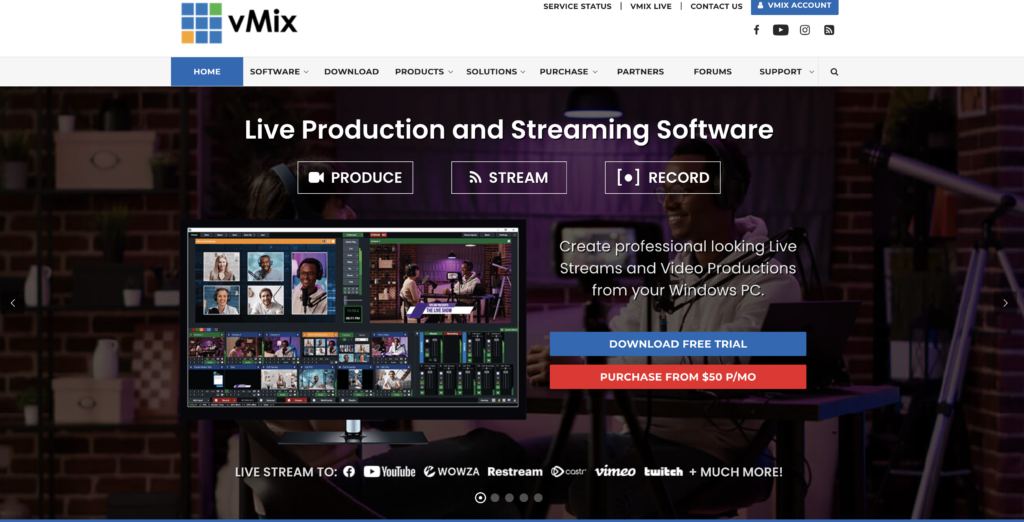
vMix is more than just a switcher; it is a Windows-based powerhouse that mimics high-end hardware switchers costing tens of thousands of dollars.
- GPU Acceleration: Unlike many competitors, vMix is designed to utilize your graphics card (Nvidia) to do the heavy lifting, ensuring your CPU stays cool even during 4K broadcasts.
- The GT Title Designer: Create professional, data-driven animated graphics that look like they belong on ESPN or CNN.
- Built-in SRT & vMix Call: Bringing in remote guests is seamless with vMix Call, which handles video and audio “mix-minus” automatically.
2. Mastering NDI and PTZ Cameras in vMix
For modern setups, the combination of NDI (Network Device Interface) and vMix is a game-changer.
The Benefits of NDI Integration
When using vMix live production software, you can bring in dozens of video sources over a standard 1Gbps network. This eliminates the need for expensive SDI capture cards for every single camera.
Native PTZ Control
If you use PTZ (Pan-Tilt-Zoom) cameras, vMix allows you to control them directly within the software. You can:
- Map camera movements to a joystick or keyboard.
- Create visual “virtual sets” where one 4K camera acts like three different shots.
- Save and recall presets so your camera moves to the exact same spot every time.

- Bundle Includes: 1 x PTZOptics Move 4K SDI/HDMI/USB/IP PTZ Camera with 20x Optical Zoom (Gray), 6th Ave Electronics Lens…
- The Move 4K is the latest PTZ camera from PTZOptics, featuring auto-tracking for a more intelligent video production wor…
- Every Move 4K camera features SDI, HDMI, USB, and IP output, and comes native with NDI|HX for unparalleled performance a…
3. vMix vs. OBS: Why Professionals Make the Switch
While OBS is fantastic for beginners, it lacks the “fail-safe” features required for professional environments.
- Multi-Corder Stability: vMix allows you to record “ISO” feeds (raw footage) of every camera separately while you stream. If your stream drops, you still have the high-quality raw footage for editing.
- Professional Audio Routing: vMix offers multiple audio busses (A, B, C, etc.), allowing you to send different audio to your monitors, your stream, and your in-house guests.
- Instant Replay: vMix Pro features an integrated slow-motion instant replay system, which is a massive technical hurdle in OBS.
4. Choosing the Right Workflow: vMix or OBS?
The choice between these two apps depends on your specific production workflow.
| Use Case | Recommended Software | Why? |
| Gaming/Vlogging | OBS Studio | Low barrier to entry, free, and great for simple screen capture. |
| House of Worship | vMix | Better handling of multiple cameras, lyrics, and NDI. |
| Live Sports | vMix | Essential for instant replay and scoreboard integration. |
| Corporate Webinars | vMix | Reliable “vMix Call” for high-quality remote speakers. |
5. Buying Advice: How to Handle a Low Budget
You don’t need the $1,200 “Pro” version on day one. If you are on a budget:
Invest in the PC First: vMix requires a solid Windows PC with an Nvidia GPU. If you have limited funds, prioritize your hardware—you can always upgrade your software license later.
Start with the 60-Day Trial: vMix offers a fully functional two-month trial. Use this to prove the ROI of your production.
vMix Basic HD: At only $60, this version is incredibly affordable for small setups that only need 4 inputs.