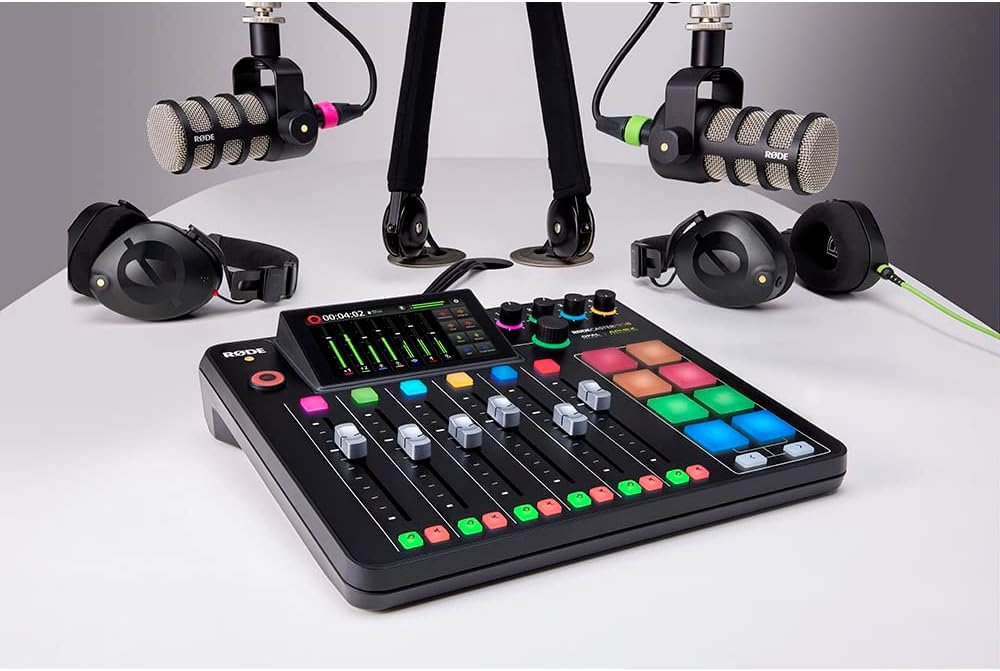

If you’re planning to build a home studio, start a podcast, or upgrade your audio production setup, the Rodecaster Pro II is one of the best tools you can invest in. And to make things easier for you, we just released a brand-new step-by-step video teaching you exactly how to use it.
This tutorial is designed for beginners—simple, clear, and practical.
🎬 Watch the Training Video
👉 Click here to watch: How to Use the Rodecaster Pro II
(Beginner-Friendly Setup & Tips)
In this training, you’ll learn:
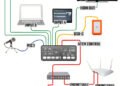
- how to set up the Rodecaster Pro II the right way
- how to manage audio channels for clean sound
- how to connect microphones and headphones
- essential tips for improving audio quality
- bonus tips to help you avoid common mistakes
🛠️ Recommended Gear from the Video
Here are the tools we recommend if you’re building your podcast or studio setup.
(affiliate links included)
🎚 Mixers
• Rodecaster Pro II – https://geni.us/63zr2A
• Rodecaster Duo – https://geni.us/lJA4mEn


🎤 Microphones
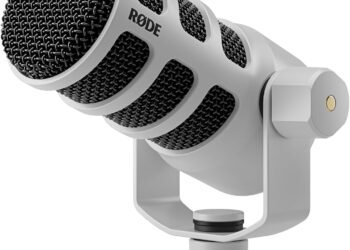
• Rode PodMic USB – https://geni.us/AYPz1r
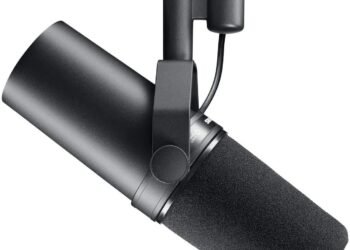
• Shure SM7B – https://geni.us/7tdAIH
🎧 Headphones
• Studio Headphones – https://geni.us/Vh8MDaz
💻 MacBook
• Apple 2024 MacBook – https://geni.us/bsMwHoe
💬 Need Help Building Your Setup?
If you have questions about the Rodecaster Pro II or want help choosing the right gear for your studio or podcast, we’d love to help!